
ការបង្កើនការលក់ និងទីផ្សារជាមួយ AI Automation
- ធ្វើការឆ្លាតវៃ ជំនួសការធ្វើការលើសកម្លាំង
- គោលបំណង៖ សន្សំពេល បន្ថយការងារដោយដៃ បង្កើនការលក់

Why Automation Matters
ហេតុអ្វីត្រូវស្វ័យប្រវត្តិ
- ការងារតូចៗធ្វើឲ្យខាតពេល និងកំហុស
- អតិថិជនរំពឹងការឆ្លើយតបលឿន
- Automation ឲ្យក្រុមការងារផ្ដោតលើការលក់/យុទ្ធសាស្រ្ត

អ្វីទៅជា AI Automation?
ពន្យល់សាមញ្ញ
- Automation = ប្រព័ន្ធស្វ័យប្រវត្តិ
- AI = ឆ្លាតវៃពីទិន្នន័យ
- រួមគ្នា → ប្រព័ន្ធឆ្លាតវៃធ្វើការងារ 24/7

ការងារដែលអាចស្វ័យប្រវត្តិបាន
Use-cases នៅកម្ពុជា
- Auto reply / Chatbot សម្រាប់ Facebook
- Lead form → Google Sheet → Email
- Schedule posts ជារៀងរាល់ថ្ងៃ
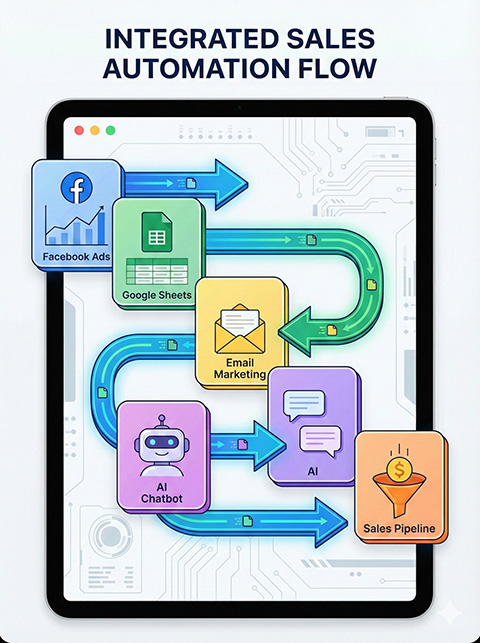
Social Media Automation
Tooling
- Meta Business Suite: Schedule & Reply
- Canva Magic Studio: Content AI
- ManyChat/BotHelp: Messenger automation

Chatbot Deep Dive
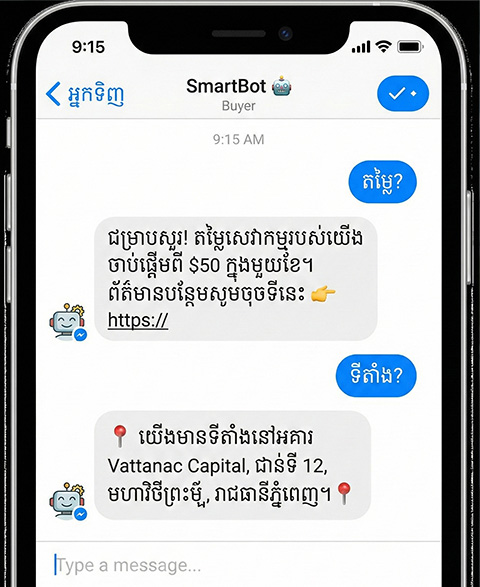
Flow សាមញ្ញ
- Welcome Message
- Keyword Reply (ឧ. តម្លៃ/ទីតាំង)
- Broadcast/Sequence
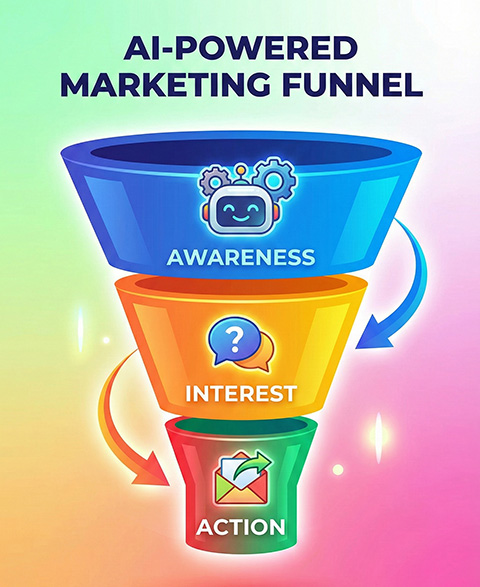
Marketing Funnel
Awareness → Interest → Conversion
- Attract: Content/Ads
- Capture: Bot/Forms → Sheet
- Follow-up: Email/Messenger
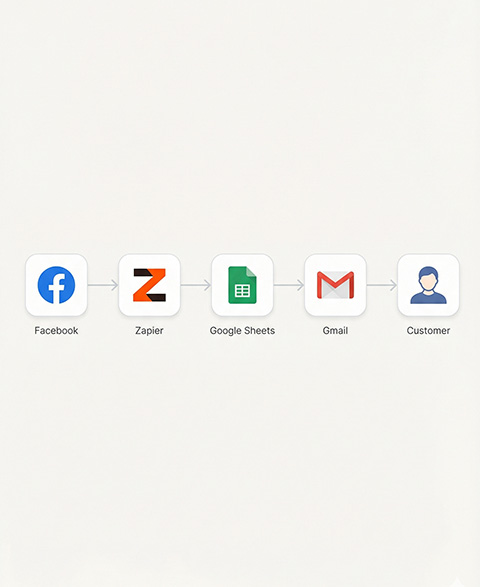
Connect with Zapier/Make
Integration
- Facebook → Google Sheet
- Sheet → Gmail/MailerLite
- No copy–paste, no missed leads
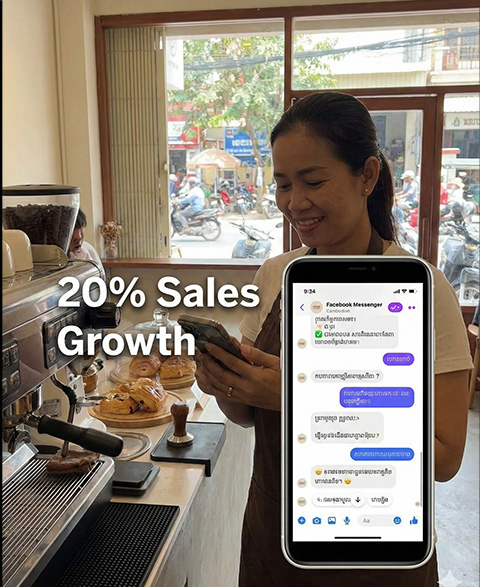
Local Case Study
Retail/Cafe Example
- Bot ឆ្លើយតប 24/7 + កត់ត្រា leads
- Zapier សម្របសម្រួលទិន្នន័យ
- លទ្ធផល៖ ការលក់កើន ~20%
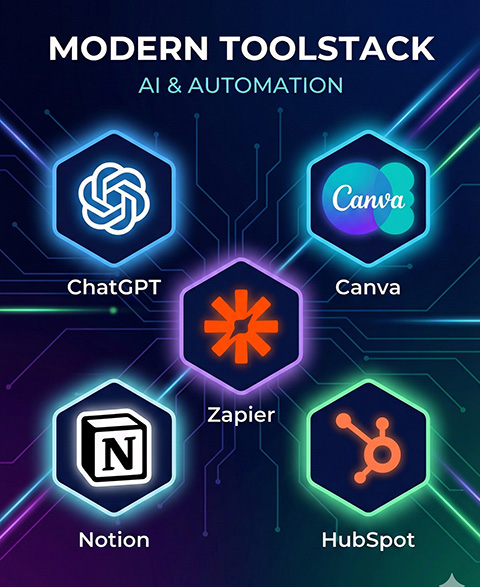
AI Tools Cheat Sheet
ជំនួយឆ្លាតវៃ
Workshop Practice
Hands-on
- Create Welcome + Keyword in ManyChat
- Test reply in Messenger
- Record lead to Sheet

Reflection Discussion
ចែករំលែកបទពិសោធន៍
- ការងារណាដែលអ្នកនឹងស្វ័យប្រវត្តិជាមុន?
- តើឧបករណ៍ណាដែលអ្នកសាកល្បង?

Homework
Task
- បង្កើត Automation ១ ប្រភេទ (Chatbot/Email/Schedule)
- បញ្ចូន screenshot/video សាកសម
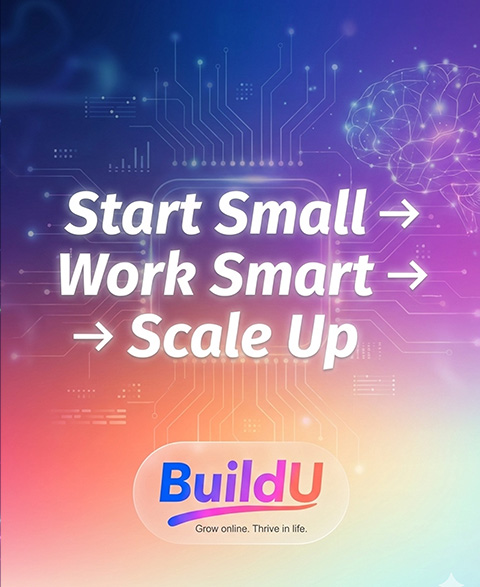
Summary
Takeaways
- Start small → Grow
- Work smarter, focus on sales
- Use tools: ManyChat, Canva, Zapier

Image Placeholder
Add brand photo / screenshot
Video Placeholder
Add short demo clip
BuildU • Week 5
Slide 15 – Next Week Preview
Week 6 – ការរីកចម្រើនអាជីវកម្ម & Project ចុងក្រោយ